










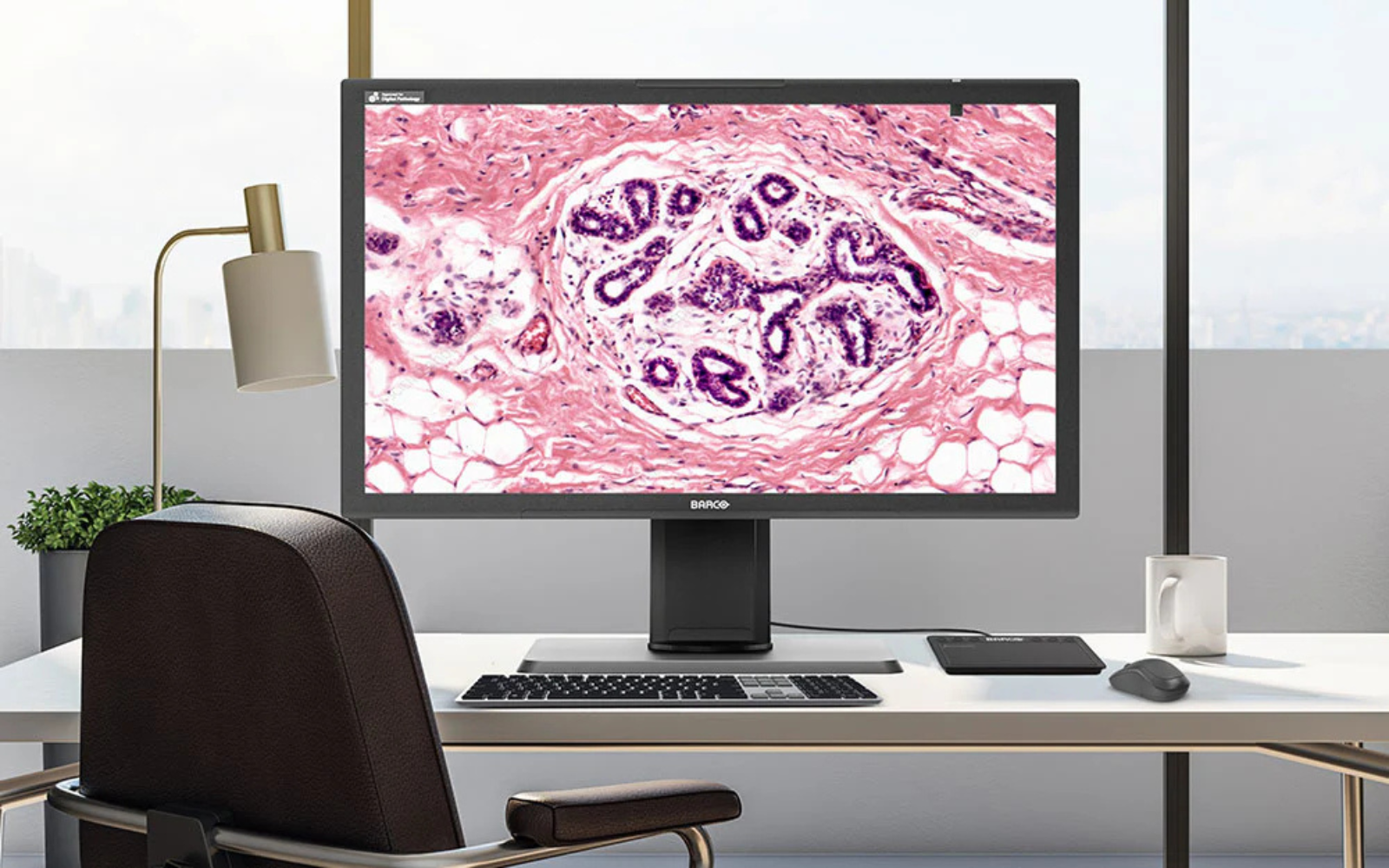
You’re reviewing an H&E whole slide image on your workstation when something catches your attention. The tissue architecture looks familiar, but the color intensity seems off compared to what you’d expect. The eosin staining appears less vibrant than usual, making it harder to distinguish cellular details.
Is this a staining issue from the lab? A problem with the scanner? Or something else entirely?
Here’s what might be happening: According to research by Tom Kimpe from Barco, a medical display manufacturer, display monitors can gradually shift colors over months of use, and different workstations in labs often show the same digital slides with varying color reproduction. Meanwhile, the pathologist at the workstation next to you may be looking at identical whole slide images but seeing different color intensities due to variations in monitor age, calibration, and usage patterns.
This color inconsistency problem affects pathology labs worldwide, according to participants in the FDA-sponsored Summit on Color in Medical Imaging. The challenge stems from how digital pathology systems handle color information throughout the entire imaging chain – from slide scanning to final display. While labs invest heavily in high-quality scanners and software systems, the final step in this chain – the display monitor – is often selected without considering its impact on color accuracy.
Dr. Wei-Chung Cheng’s FDA research reveals one aspect of this problem: in his 2020 study, up to 34.94% of pixels in bladder tissue samples contained colors that extended beyond the sRGB color space used by standard computer monitors.
The potential result? According to studies referenced by industry experts, pathologists may work more slowly, second-guess their diagnoses, and potentially miss subtle color variations that could impact patient care.
The Clinical Importance of Color in Pathology Diagnosis
H&E (hematoxylin and eosin) staining forms a cornerstone of pathological diagnosis. In H&E-stained tissue:
- Hematoxylin stains nuclei blue or purple
- Eosin stains cytoplasm and extracellular matrix pink or red
When cytoplasm stains excessively blue or purple, it can signal increased basophilic substances – potentially indicating inflammation, cellular damage, or cancer. Malignant tissues often show hyperchromatic (darkly staining) nuclei with irregular shapes, increased mitotic figures, and abnormal cytoplasmic staining patterns.
According to pathology experts who participated in the FDA Summit on Color in Medical Imaging, these diagnostic distinctions rely on pathologists’ ability to perceive subtle differences in color intensity and hue accurately. As noted in the consensus report, displays that cannot reproduce tissue colors accurately, or that shift these colors over time, may make it more difficult to distinguish between normal basophilia and pathological changes. When pink cytoplasm appears too purple due to monitor calibration issues, or when nuclear chromatin appears less hyperchromatic than it actually is, diagnostic confidence may be affected.
Beyond H&E: When Color IS the Diagnosis
The importance of color becomes even more critical with immunohistochemistry (IHC), where color intensity directly determines treatment decisions. Consider HER2 scoring for breast cancer: HER2 is a protein that, when overexpressed on cell membranes, makes tumors grow more aggressively but also makes them responsive to targeted therapies like trastuzumab (Herceptin).
Pathologists score HER2 expression by evaluating the intensity and completeness of brown membrane staining around individual cells:
- 0 or 1+: No staining or faint, incomplete membrane staining – patient won’t benefit from HER2-targeted therapy
- 2+: Moderate, complete membrane staining – requires additional testing to determine treatment
- 3+: Strong, uniform, complete membrane staining – patient is a candidate for HER2-targeted therapy
The difference between these scores can determine whether a patient receives targeted therapy that may significantly improve their survival. According to the Barco whitepaper on color in pathology, a strong argument for the importance of color is the common practice of recutting and restaining referred slides from other laboratories, which indicates that pathologists prefer working with familiar colors and suggests that color variations may impact their ability, confidence, or speed of diagnosis.
What Digital Pathology Is Missing: The FDA Study That Changed Everything
When Dr. Wei-Chung Cheng from the FDA set out to measure the true colors of tissue slides in 2020, he discovered something that would reshape how we think about digital pathology displays. Using multispectral imaging to capture the actual colors present in H&E-stained samples, his study examined eight different organs and revealed a startling finding: pathology slides contain highly saturated colors that extend far beyond the sRGB color space used by most computer monitors and imaging systems.
The scope of the problem was larger than anyone expected:
- Bladder tissue: 34.94% of pixels contained colors outside the sRGB color space
- Uterus tissue: 16.62% of pixels fell beyond sRGB boundaries
- Lung tissue: 10.12% of pixels extended outside sRGB limits
- Kidney tissue: 5.38% of pixels exceeded sRGB color space
- Brain, breast, colon, and liver tissues: 0.08% to 0.81% of pixels were outside sRGB gamut
Dr. Cheng’s measurements showed perceptual color differences (ΔE values) ranging from 1.65 to 5.04 – differences that color science research indicates would be noticeable to trained observers like pathologists.
Here’s the technical reality: When we talk about “RGB,” we’re referring to the color model that uses red, green, and blue channels. But sRGB is something more specific – it’s a particular color space that defines exactly which shades of red, green, and blue can be represented. Think of RGB as the language and sRGB as a specific dialect with limited vocabulary.
The most concerning finding? Dr. Cheng discovered that the pixels extending beyond sRGB boundaries were primarily bright pink eosin-stained areas – the regions pathologists depend on for identifying important diagnostic information.
The Multi-Step Color Variability Problem
Color variability isn’t introduced by just one source – it occurs at every step of the digital pathology workflow:
Laboratory Processing
- Tissue thickness: Variations from microtome settings directly affect color intensity
- Staining protocols: Different concentrations, durations, and pH levels create color differences
- Pre-analytical factors: Tissue preservation time and methods impact final color
Scanner Differences
- Different scanner brands produce different-looking images from identical slides
- Even identical scanner models show color variations between individual units
- Scanner performance changes over time with component aging
Display Systems
According to Barco’s research, display-related color problems include:
-
- LED backlight degradation: Modern displays use LED backlights that lose efficiency and shift color over time
- Temperature sensitivity: LED performance fluctuates based on ambient temperature
- Component aging: Optical foils, polarizers, and liquid crystal materials degrade, affecting light transmission
Understanding Display Costs: Medical vs Consumer Monitors
Research shows clear differences in monitor performance and longevity that impact the total cost of ownership:
Lifespan Differences: Studies indicate medical-grade displays are designed for longer operational life, with manufacturers typically offering warranties of 3-5 years compared to 1-2 years for consumer displays.
Performance Impact: A study by Krupinskin et al. published in 2012, found that pathologists read 28.7% faster on calibrated displays, with a mean interpretation time of 4.895 seconds versus 6.304 seconds on non-calibrated displays. For whole slide imaging, another study showed diagnostic feature identification took 22% longer on non-color-stabilized displays (50.1 ± 7.3 seconds versus 41.0 ± 5.4 seconds).
Quality Control Considerations: The replacement frequency and productivity differences create cumulative costs that often offset the higher initial investment in medical-grade equipment, though specific cost calculations vary by institution and usage patterns.
Technical Solutions: ICC Profiles and Calibration
International Color Consortium (ICC) profiles are standardized data files that describe how devices handle color. They work as translation systems between:
- How scanners convert tissue colors to digital RGB values
- How displays translate those RGB values back into visible light
- How viewing software interprets and renders image files
When all components in the imaging chain use accurate ICC profiles, you achieve end-to-end color consistency. However, this requires coordination across the entire workflow.
Display Calibration Technology
Medical-grade displays manage color consistency through:
- Look-Up Tables (LUTs): High-precision color mapping that’s individually calibrated for each display
- Integrated sensors: Continuous monitoring and automatic calibration adjustment
- Stabilization software: Automated quality assurance systems that maintain calibration over time
Consumer displays typically use generic, pre-calculated LUTs that are identical across all devices of the same model, while medical displays employ LUTs based on individual measurements taken during production.
Regulatory and Standards Perspective
The regulatory environment increasingly recognizes the importance of color consistency:
FDA Guidance
The FDA has issued technical performance guidance for whole slide imaging stating that images should be displayed in a consistent and reliable fashion. They recommend using target slides with measurable color patches and creating datasets to track color accuracy throughout the digitization process.
DICOM Standards
The DICOM Whole Slide Imaging standard supports including color correction by ICC profiles, helping ensure color accuracy during transmission, viewing, and storage across enterprise systems.
Professional Organization Recommendations
The American Telemedicine Association recommends that diagnostic displays should be color calibrated for telepathology applications.
The AI Connection: Why Color Standardization Is Critical
As artificial intelligence becomes integral to pathology, color consistency takes on even greater importance. AI algorithms trained on images from one scanner type can experience 20-30% accuracy drops when presented with images from different scanners with different color characteristics.
The most promising solution involves color standardization using ICC profiles and calibration to normalize all images to a standard format before AI training and inference. This approach allows algorithms to maintain consistent performance regardless of the source scanner.
Color Calibration Implementation Guidelines
Understanding how to implement color management effectively requires a systematic approach:
Assessment Phase
Start by evaluating current color consistency across your workstations using calibration slides with known color patches. Document which displays show the biggest variations from baseline standards.
Technology Selection
Look for displays that support:
- ICC Profile compatibility: Ensure scanners, viewing software, and displays all support International Color Consortium standards
- Hardware calibration: Built-in sensors provide more accurate and stable calibration than software-only solutions
- Regular quality assurance: Automated monitoring systems help maintain calibration over time
Implementation Process
- Week 1-2: Audit existing equipment and calculate return on investment based on your specific usage patterns
- Week 3-4: Install new equipment and train staff on phantom slide assessment techniques
- Month 2 onward: Validate improvements in diagnostic confidence and workflow efficiency
Ongoing Maintenance
According to 2023 International Color Consortium guidelines, display calibration should be “verified regularly since typical display behavior changes over time.” Factors requiring recalibration include changes in ambient lighting, component aging, and environmental conditions.
The Path Forward
The display is central to the digital pathology workflow because it’s the final destination of the whole slide image. Display quality plays a substantial role in final image interpretation, making it an important factor for histologic diagnosis quality.
Modern pathology is integrating with enterprise imaging platforms that strive to preserve accurate and repeatable diagnostic image access across healthcare IT infrastructure. In this context, the clinical and efficiency advantages of high-resolution, color-calibrated, and quality-assured medical-grade displays become relevant considerations.
Color calibration in digital pathology supports workflow validation by ensuring ongoing consistency of display image quality to maintain continuity with original validation standards. Since quality control is central to laboratory processes, it’s logical that displays used for diagnosis should have formalized quality control procedures.
Making the Investment Decision
While medical displays require a higher initial investment, the total cost of ownership often favors them when considering:
- Longer lifespan: 5-7 years versus 1-2 years for consumer displays
- Included warranties: Comprehensive coverage versus limited consumer warranties
- Productivity gains: Faster reading times and increased diagnostic confidence
- Validation support: Built-in quality assurance capabilities required for regulatory compliance
- Future-proofing: Compatibility with emerging AI algorithms that depend on color consistency
Healthcare institutions invest in universal platforms for digital images because they provide clinicians with longitudinal record access, analysis tools, efficient multi-location image data distribution, and consolidated image data storage. The clinical and efficiency advantages that high-resolution, color-calibrated, and quality-controlled medical-grade displays provide are relevant factors that should be considered as modern pathology integrates with enterprise imaging platforms.
Understanding color management principles helps pathology labs make informed decisions about display technology. Whether implementing ICC profile standards, establishing calibration procedures, or evaluating different display options, the key is focusing on consistent, accurate color reproduction across your entire imaging workflow and not treat your display as an afterthought.

Comments are closed.